If You're Curious About These Questions...
You should listen to this audiobook
- Have you ever wondered why the world’s most successful websites and apps often feel so familiar, even the very first time you use them?
- Did you know that the visual beauty of a design can actually trick your brain into believing a product is more functional than it really is?
- What’s the secret to keeping your users from feeling overwhelmed, and how many pieces of information can the human mind actually handle at once?
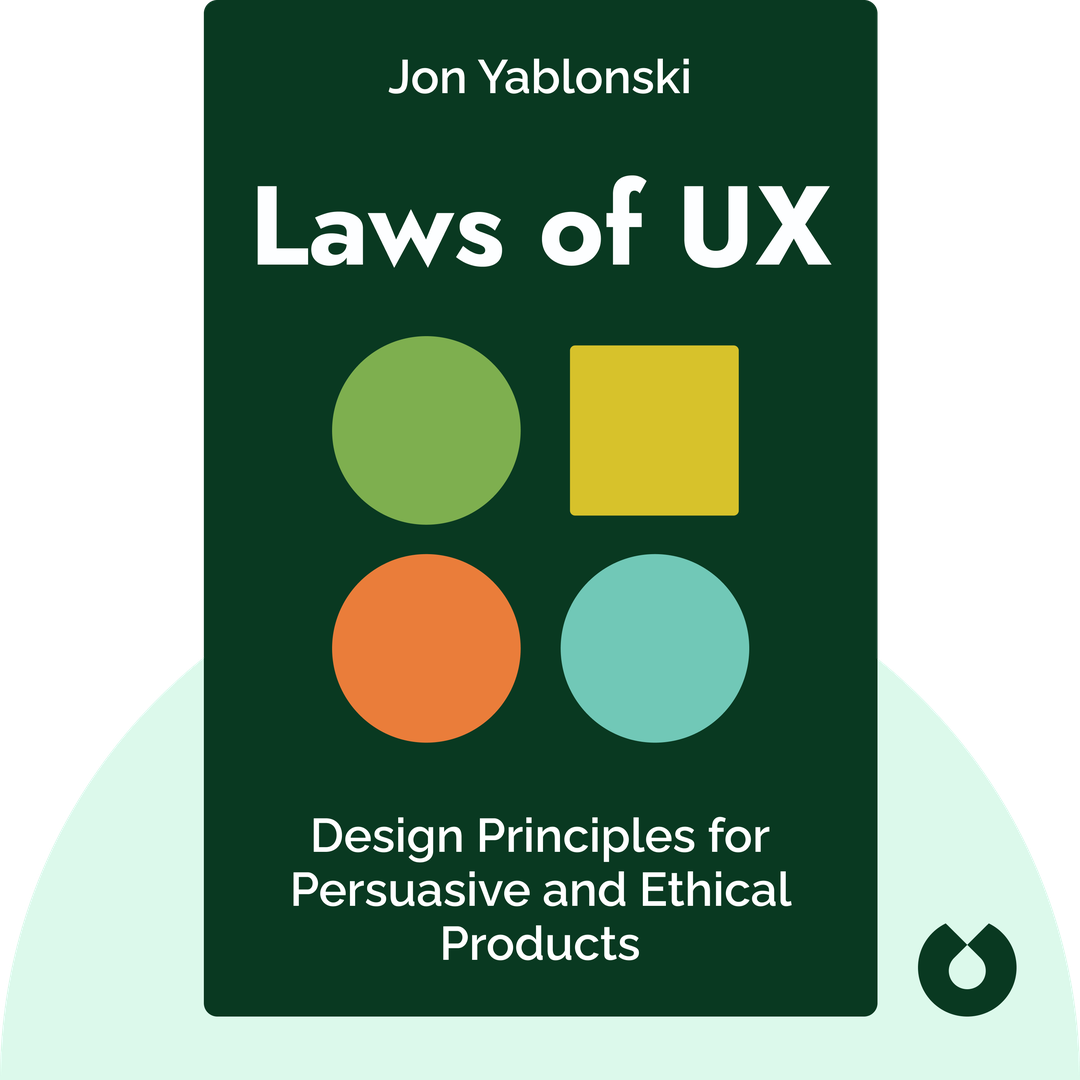
Listen to Laws of UX — Free Audiobook
Loading player...
Key Takeaways from Laws of UX
- Discover why leaning on familiar design conventions minimizes mental effort and helps users focus on your content rather than struggling with your interface.
- Learn how to apply Fitts's Law by optimizing the size, spacing, and positioning of interactive elements to prevent frustrating user experiences.
- Master the art of streamlining information through progressive disclosure and 'chunking' to prevent overwhelming your users' decision-making and working memory.
- Understand how to build resilient, adaptable designs that seamlessly accommodate diverse user inputs, screen sizes, and viewing contexts.
- Find out how leveraging emotional peaks, memorable endpoints, and attractive aesthetics can significantly improve how users perceive and remember your product.
Learning Tools
Reinforce what you learned from Laws of UX
Mind Map
Laws of UX
Familiarity & Interaction+
Simplicity & Memory+
Resilience & Emotion+
Visuals & Attention+
Complexity & Performance+
Ethical Design+
Quiz — Test Your Understanding
Question 1 of 11
What is the primary lesson for designers derived from Jakob's Law?
Question 2 of 11
How does Fitts's Law apply to the placement and design of interactive elements like buttons?
Question 3 of 11
According to Hick's Law, what happens when a designer presents a user with too many choices and complexities?
Question 4 of 11
Which design technique is a direct application of Miller's Law?
Question 5 of 11
What does Postel's Law suggest about handling user input in web design?
Question 6 of 11
Why does Mailchimp use humor and animation right before a user sends a bulk email campaign?
Question 7 of 11
What is a potential danger of the aesthetic-usability effect for designers?
Question 8 of 11
How should a designer utilize the Von Restorff effect effectively?
Question 9 of 11
According to Tesler's Law, how should designers handle the inherent complexity of a system?
Question 10 of 11
What is the primary purpose of using a 'skeleton screen' in relation to the Doherty threshold?
Question 11 of 11
Which of the following is an example of a deceptive 'dark pattern' mentioned in the text?
Laws of UX — Full Chapter Overview
- 1Recommendation
- 2Jakob’s Law and Fitts’s Law
- 3Hick’s Law and Miller’s Law
- 4Postel’s Law and the Peak-End Rule
- 5The Aesthetic-Usability Effect and the Von Restorff Effect
- 6Tesler’s Law and the Doherty Threshold
- 7The Pursuit of Ethical Design
- 8Final summary
Laws of UX Summary & Overview
Laws of UX (2020) is a handy guidebook for anyone interested in user experience, or UX – especially as it applies to web or app design. It lays out some of the fundamental rules that inform superior product design and shows how these rules are tied to human psychology.
Who Should Listen to Laws of UX?
- Web designers and developers
- People curious about technology and human behavior
- Anyone who’d like to create a better website
Books Similar to Laws of UX
Readers who enjoyed this also liked these titles.